8171 Web Portal Not Working 2026 – Login Problems and Fixes
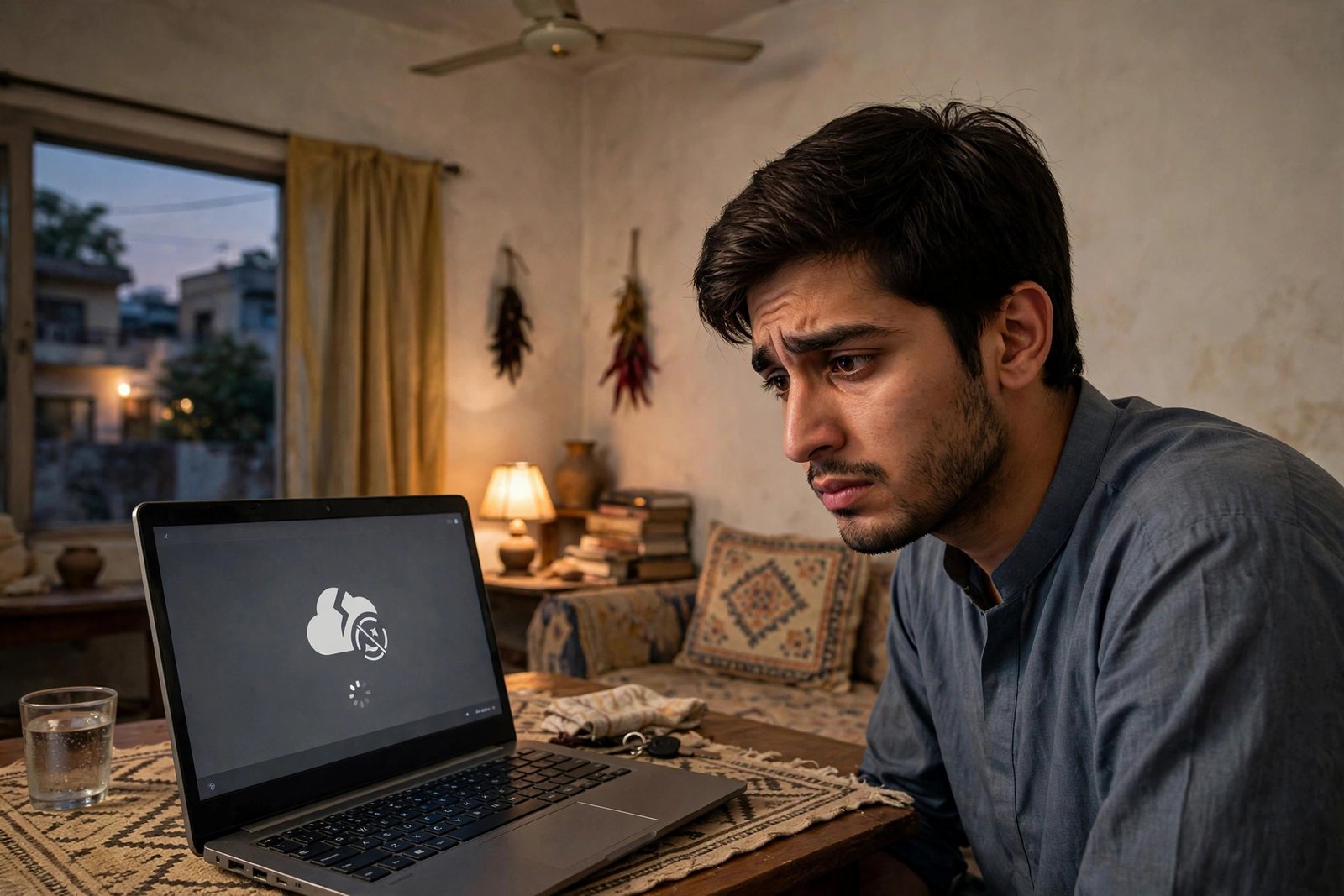
The portal worked yesterday. Today it spins, throws an error, or shows a captcha that never validates. When the 8171 web portal is not working, the panic is understandable — your installment status is on the other side of that loading screen. But nearly every portal failure has a boring cause and a simple fix.
Work through this guide in order before assuming anything is broken.
First: Are You on the Real Portal?
Before debugging, confirm the address bar reads exactly 8171.bisp.gov.pk. This single check eliminates the most dangerous “portal problem” of all: landing on a lookalike site.
Scammers register domains with extra words — 8171check, bisp-portal, ehsaas-8171 — and buy search ads so they appear above the real site. These fakes are designed to harvest CNIC numbers, and some show convincing error messages to keep you typing. If your “portal” asks for anything beyond CNIC and captcha — a mobile number, an OTP, a fee — close it immediately. The real portal asks for two things only.
Type the address yourself rather than clicking search results. Bookmark it once you are sure.
The Usual Suspects, in Order
Peak-hour overload. During payment weeks, millions hit the portal simultaneously and it slows or times out. This is the number one cause of “not working” reports, and the fix is patience: try early morning or late evening, when traffic drops. If the page loads but slowly, wait — do not hammer refresh, which just rejoins the back of the queue.
Captcha trouble. The captcha is case-sensitive and fussy. Type it exactly as shown, watching for characters that look alike. If it keeps failing, use the refresh icon for a new code — sometimes the image itself is the problem, not your typing. On small phone screens, zoom in before reading it.
Browser and connection issues. An outdated browser, a full cache, or a weak mobile signal all break the portal’s scripts. Try a different browser, clear the cache, or switch from mobile data to WiFi. The portal is a government site, not a tech giant’s app — it is less forgiving of bad connections.

CNIC entry errors. Dashes, spaces, or a transposed digit produce an error that looks like a system failure. Enter all 13 digits cleanly. If you are sure the digits are right and it still errors, the issue is your record, not your typing — check by SMS to 8171 instead.

| Symptom | Likely cause | Fix |
|---|---|---|
| Page never loads / times out | Peak traffic or weak connection | Retry off-peak; switch network |
| Captcha always wrong | Misread characters | Refresh captcha; zoom in; type exactly |
| Error after submitting CNIC | Formatting or record issue | Re-enter digits; verify via SMS to 8171 |
| Site looks different, asks for OTP | Fake lookalike site | Close it; type 8171.bisp.gov.pk manually |
| Worked yesterday, broken today | Temporary outage | Wait a few hours; use SMS meanwhile |
The SMS Fallback (Use It)
Here is the thing most guides bury: when the portal is down, you do not need the portal. The 8171 SMS service runs on separate infrastructure and answers the same core question — am I eligible, is my payment ready — from any basic phone.
Send your 13-digit CNIC to 8171 from your own-registered SIM and wait for the reply. For status checks, this is not a workaround; it is the primary channel for millions of beneficiaries. Save the portal for when you want the extra detail, like your PMT score.
When It Is Actually Broken on Their End
Sometimes it really is the government’s servers. Whole-day outages happen, usually during the heaviest payment phases, and no amount of cache-clearing fixes them. The signs: the site fails identically on different devices and networks, while the SMS service works fine.
In that case, the correct move is to wait — and to resist the fake “alternative portals” that bloom in search results precisely during outages. BISP does not operate backup portals. There is one address, and when it is down, the SMS shortcode is the official fallback. Check the helpline 0800-26477 if an outage stretches past a day; staff can confirm whether it is a known issue.
How to Tell an Outage from a Block
Sometimes the portal fails only for you. A household WiFi router with strict filtering, a workplace network that blocks government domains, or a mobile carrier with DNS issues can each make 8171.bisp.gov.pk unreachable from one connection while it works fine elsewhere.

The test is simple: try the portal on mobile data if you were on WiFi, or vice versa. If it loads on the second connection, the problem is your network, not BISP. Restarting the router or toggling airplane mode resolves most such cases.
If it fails identically on two different networks and two different devices, it is genuinely down on BISP’s end — and that is your cue to stop troubleshooting and switch to the SMS service. There is a particular frustration in refreshing a dead page for an hour when the answer was one text message away the whole time. Recognize the pattern early: two networks, two devices, still dead — go to SMS.
Bookmark discipline prevents most fake-site encounters. Once you have confirmed the real portal address, save it as a bookmark named clearly — “BISP 8171 Official” — and always open it from the bookmark, never from search. Teach the same habit to family members who check on your behalf. The lookalike sites depend entirely on search traffic; a bookmarked user never meets them.
If you rely on someone else to check the portal for you — a common arrangement for elderly beneficiaries — make sure that person uses the bookmarked official address too. Secondhand checking doubles the fake-site risk, because you cannot see what they clicked. Better yet, teach them the SMS method: one text to 8171 needs no browser, no bookmark, and no trust in search results.
Patience is a legitimate troubleshooting step. Government portals do not have the redundancy of commercial sites, and the honest fix for a genuine outage is simply to wait a few hours and use the SMS service meanwhile. Not every problem needs a clever solution — some just need the queue to clear.
8171 Web Portal Not Working: Quick Answers
Why is the 8171 web portal not working today? If the 8171 web portal is not working, the most common causes are peak-hour overload during payment weeks, captcha misreads, or a weak connection. Retry off-peak before assuming worse.
What is the real address when the 8171 web portal is not working? Exactly 8171.bisp.gov.pk. When the 8171 web portal is not working, do not Google for alternatives — lookalike sites harvest CNICs during outages.

Is there another way if the 8171 web portal is not working? Yes — SMS your 13-digit CNIC to 8171. If the 8171 web portal is not working, the SMS service answers eligibility and payment status independently.
How long does the 8171 web portal not working issue usually last? Most 8171 web portal not working episodes clear within a few hours — they spike on payment-release days when traffic surges. If the 8171 web portal not working problem persists beyond 24 hours, switch to the SMS method and report it on 0800-26477.
Related Guides
- 8171 Web Portal 2026 – Check BISP Payment by CNIC
- BISP 8171 Complete Guide 2026 – Payments & Eligibility
- Asaan Karobar Finance Scheme 2026 – 0% SME Loans
Disclaimer: Portal behavior and addresses can change with BISP technical updates. Confirm the official portal address on bisp.gov.pk or the helpline 0800-26477.

