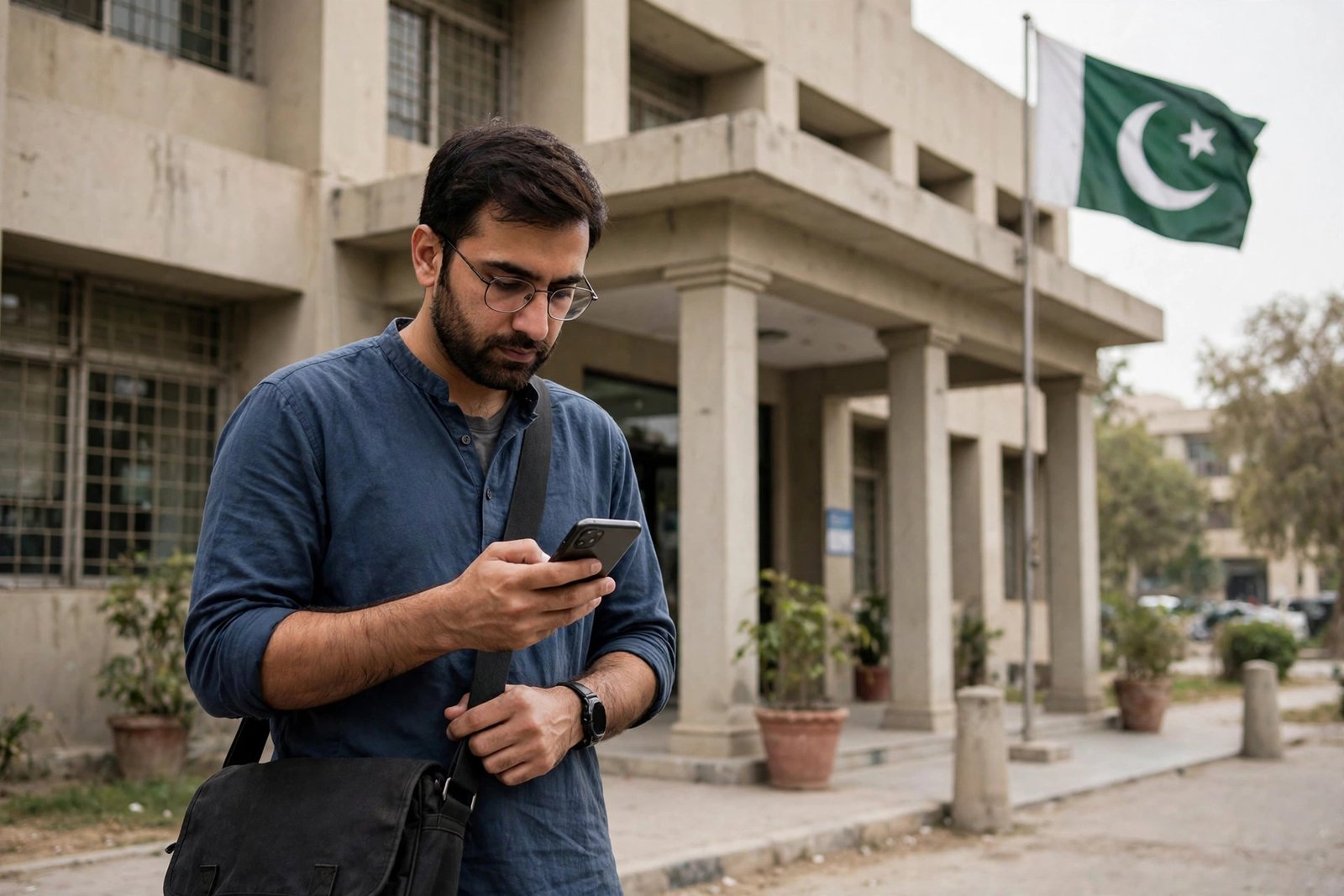
Pakistan Citizen Portal App 2026 – File Complaints Step by Step
The streetlight outside your lane has been dead for months. The patwari won’t process your file without “chai pani.” The Pakistan Citizen Portal was built to close that gap — one app, every government department, and a tracking number that makes your complaint impossible to quietly bury.
What the Portal Actually Is
The Pakistan Citizen Portal (PCP) is the government’s official grievance redressal system, run under the Prime Minister’s Performance Delivery Unit (PMDU). It connects citizens directly to federal and provincial departments — WAPDA, Sui Gas, municipal corporations, police, NADRA, BISP, and hundreds more.

Registering: Five Minutes, One CNIC
- Download the app — search “Pakistan Citizen’s Portal” on the Google Play Store, Apple App Store, or Huawei AppGallery.
- Tap Sign Up and enter your CNIC (no dashes), full name, mobile number, and address.
- You’ll receive an OTP by SMS — enter it in the app to verify your number.
- Create your username and password.
- Complete your profile: province, district, and a working email address.
Filing a Complaint That Actually Moves
- Tap the “+” icon on the home screen.
- Select the category — the department your complaint belongs to.
- Pick the specific department and sub-category.
- Fill the form: what happened, where exactly, when, and what you want done. Name the bill number, the reference number, the pole number, the date.
- Attach evidence on the first submission — a photo of the meter, the bill, the receipt.
- Let the GPS tag stand — it routes your complaint to the correct local office automatically.
- Review and tap Submit. Screenshot the tracking ID the second it appears.
What Happens After You Submit
| Stage | What it means | What you should do |
|---|---|---|
| Submitted | Filed and assigned a tracking ID | Save the tracking ID immediately |
| In-process | With the concerned officer/department | Wait; check back in a few days |
| Resolved | Officer marked it closed | Verify the fix, then leave honest feedback |
| Withdrawn | You cancelled it | Only withdraw if the issue is genuinely settled |
Tracking, Feedback, and Escalation
When it’s marked resolved, the portal asks for your feedback — and this is the step that closes the accountability loop. If the officer marked it resolved without fixing anything, say so, because your feedback goes on their record. If you’re stuck, the helpline 051-9000111 answers in Urdu and English.

Pakistan Citizen Portal: Quick Answers
How do I register on the Pakistan Citizen Portal? Download the “Pakistan Citizen’s Portal” app, tap Sign Up, and enter your CNIC, name, mobile number, and address. Verify the OTP sent to your phone, create a password, and your Pakistan Citizen Portal account is ready.
How do I file a complaint on the Pakistan Citizen Portal? Tap the “+” icon, select the category and department, fill the form with specific details, attach photo evidence on the first submission, submit, and save the tracking ID the Pakistan Citizen Portal generates.
Is the Pakistan Citizen Portal free? Yes — downloading, registering, and filing complaints on the Pakistan Citizen Portal costs nothing.
Related Guides
- 8171 Web Portal 2026 – Check BISP Payment by CNIC
- BISP 8171 Complete Guide 2026 – Payments & Eligibility
- Asaan Karobar Finance Scheme 2026 – 0% SME Loans
Disclaimer: App features and procedures can change with updates. Download only the official app by the National IT Board, and verify current details through official government channels before acting.


Categories
Share This Post
Help spread the knowledge