How to Update Mobile Number in BISP 8171 Record 2026 – Step by Step
You changed your SIM. The payment SMS never arrived. Now you are wondering whether your installment went to someone else — or nowhere at all. If this sounds familiar, you need to update mobile number BISP records before the next payment phase, because BISP sends every important alert — payment releases, verification requests, survey calls — to the number on file.
Here is the critical fact upfront: you cannot update your mobile number online. Not on the portal, not by SMS, not through any app. The process is in-person only, and anyone offering to do it remotely for a fee is running a scam. This guide walks through exactly where to go, what to bring, and the mistakes that cause most update failures.
Why Your Registered Number Matters So Much
Think of your registered mobile number as your mailbox for the entire BISP system. Payment release alerts arrive there. If BISP needs to re-verify your household, the survey call goes there. If there is a problem with your record, the first warning goes there.
When the number on file is dead — a lost SIM, a disconnected connection, a number you abandoned years ago — you go silent in BISP’s eyes. You miss the payment SMS and travel to the collection point blind, or worse, you miss a verification window entirely. According to beneficiary guidance documented by governmentschemes.pk, an outdated number can even get your record flagged as inactive, which delays future payments until you fix it.
The fix is free and takes one visit. The cost of ignoring it is missed payments and wasted trips.
The One Thing You Cannot Do Online
Let’s address the question everyone asks first: why is there no online option?
The answer is fraud prevention. Your mobile number is tied to payment alerts and, increasingly, to wallet-based disbursements. If anyone could change it remotely with just a CNIC number, scammers would redirect thousands of installments to their own SIMs overnight. The in-person requirement — with biometric verification — exists so that only you can change your number.
This is worth internalizing, because it is also your scam detector: any SMS, call, or website claiming to update your BISP number online is fraudulent by definition. The real process requires your thumbprint at an official counter. No exceptions.
How to Update: The Five Steps
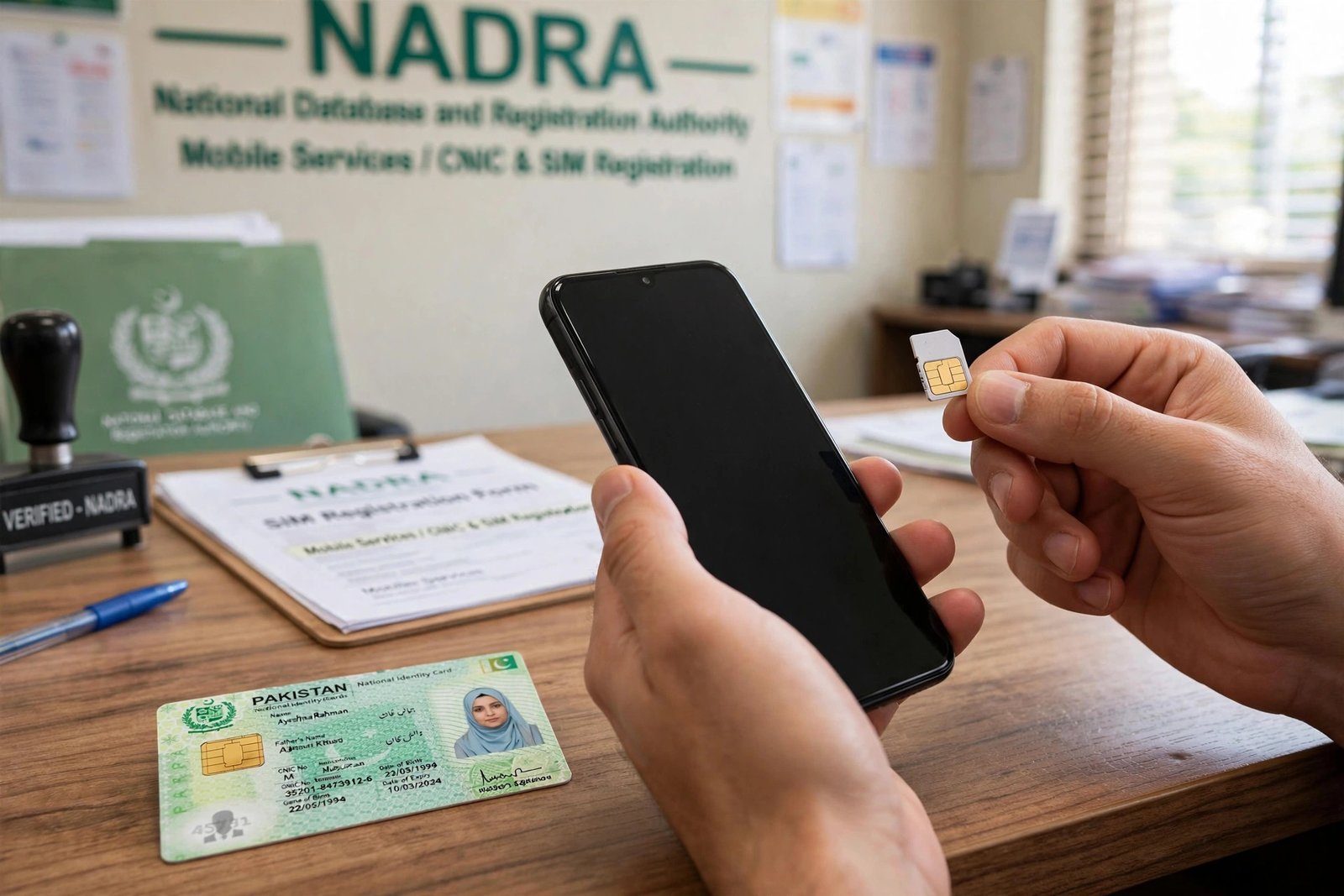
Step 1: Get the new SIM in your own name. Before anything else, make sure the mobile number you want to register is on a SIM biometrically verified against your own CNIC — not your husband’s, not your son’s, not a shopkeeper’s. Visit any franchise of your network (Jazz, Telenor, Zong, Ufone) with your original CNIC and get the SIM registered to you. This is the step most people skip, and it is the reason most updates fail.

Step 2: Visit your nearest BISP Tehsil Office. Go to the information or registration desk and tell the staff you need to update the mobile number linked to your BISP record. Bring your original CNIC and the mobile phone with the new SIM inserted and active.
Step 3: Biometric verification. The representative will verify your identity with your thumbprint on their scanner. This confirms you are the actual beneficiary authorizing the change — the same protection that keeps scammers out.

Step 4: The update. Staff enter your new number into the BISP database against your CNIC record. The process itself takes a few minutes once your turn comes.
Step 5: Confirmation. You will receive a confirmation SMS on your new number from 8171 within a short period. That message is your proof the update worked. If it does not arrive within a day or two, revisit the office rather than assuming it went through.
Porting vs New Number: Know the Difference
| Situation | What to do |
|---|---|
| Switching networks, keeping the same number (MNP) | Nothing needed at BISP — the number stays the same, so your record is unaffected once the new SIM activates |
| Brand-new number on any network | Full update process at the Tehsil Office (the five steps above) |
| Lost SIM, same number reissued | Get the replacement SIM in your own name; no BISP update needed since the number is unchanged |
| Number registered in a family member’s name | Get your own SIM first — BISP requires the number to be biometrically linked to your CNIC |
The MNP row surprises most people. Mobile Number Portability lets you switch from, say, Jazz to Telenor while keeping your exact number — and because BISP’s record holds the number (not the network), nothing changes on their end. Only a genuinely new number triggers the update process.
What Goes Wrong (and How to Fix It)
“I updated but still get no SMS.” First, confirm the confirmation SMS from 8171 actually arrived after your visit — that is the proof. If it never came, the update may not have been entered; go back. Also check with your mobile operator that short-code SMS services like 8171 are active on your line; some packages block them.
“My SIM is in my husband’s name.” This is the most common failure. BISP requires the registered number to be biometrically verified against the beneficiary’s own CNIC. Get a SIM in your own name first, then do the update. There is no workaround — and anyone offering one is lying.
“My CNIC just expired.” An expired CNIC can freeze more than your SMS — it can stall payments entirely. Renew it at NADRA first, then update your number. Note that NADRA updates take 24 to 48 hours to sync into BISP’s system, so wait a day or two before rechecking.
“I paid an agent to do it.” If someone took money to “update your number,” report them. The update is free at the Tehsil Office, and no agent has any legitimate role in it. Report the incident on the toll-free helpline 0800-26477.

A Final Word on Timing
Do not wait for payment week to fix this. Tehsil Offices are crowded during disbursement phases, and an update made the day before collection may not reflect in time. Update your number now — while things are quiet — so that when the next Rs. 14,500 installment releases, the SMS finds you instead of a dead number.
Keeping Your BISP Record Healthy: A Yearly Checklist
The mobile number is the most common thing that goes stale, but it is not the only one. Once a year — ideally in a quiet month between payment phases — run through this quick record check:
Is your CNIC valid? Check the expiry date on the card itself. An expired CNIC freezes payments silently; renewal at NADRA is the fix, and it takes a few weeks, so do not leave it for payment week.
Is your SIM still in your own name? Family SIM-sharing is common, but BISP’s system wants the beneficiary’s own biometrically-verified number. If you have been using someone else’s SIM, get your own before it causes a missed alert.
Has your household changed? A marriage, a birth, a death, a disability — any of these can change your PMT score and your eligibility for programs like Nashonuma or Taleemi Wazaif. Report changes at the Tehsil Office with supporting documents rather than waiting for the next survey cycle to discover them.
Do you still have your survey token? Keep the slip from your NSER Dynamic Survey somewhere safe. It is your proof of registration date if any dispute arises later.
Fifteen minutes once a year prevents the frantic office visits that happen when something breaks during a payment phase.
Updating Your BISP Mobile Number: Quick Answers
Can I update mobile number BISP records online? No. To update mobile number BISP data you must visit a BISP Tehsil Office in person with your CNIC for biometric verification. There is no online or SMS method to update mobile number BISP records.

Why must I update mobile number BISP has on file? Every 8171 alert about your Rs. 14,500 installment goes to the registered number. If you change SIMs without following the official process to update mobile number BISP holds, you stop receiving payment notifications.
Must the SIM be in my own name to update mobile number BISP records? Yes. BISP only accepts a SIM registered against your own CNIC when staff update mobile number BISP details. A SIM in someone else’s name will be rejected.
Related Guides
- 8171 Web Portal 2026 – Check BISP Payment by CNIC
- BISP 8171 Complete Guide 2026 – Payments & Eligibility
- Asaan Karobar Finance Scheme 2026 – 0% SME Loans
Disclaimer: Procedures can change with BISP announcements. Always verify current requirements at your nearest BISP Tehsil Office, on bisp.gov.pk, or via the toll-free helpline 0800-26477 before acting.

