
PTA SIM Blocked 2026 – How to Unblock Your SIM
PTA SIM Blocked 2026 is the message nobody wants to see: one morning your phone shows no signal, calls fail, and a helpline agent tells you the number has been blocked. This guide explains why PTA or your operator blocked your SIM, how to find the exact reason, and the official way to unblock it — with the real helplines, the 668 check, and the scams to avoid. Everything here is checked against PTA’s published guidance, and anything unverified is marked as such.
Quick Overview
| Information | Details |
|---|---|
| Topic | Unblocking a SIM blocked under PTA rules |
| Responsible authority | Pakistan Telecommunication Authority (PTA), with your mobile operator |
| Main fix | Biometric re-verification at your operator’s franchise |
| SIM check | SMS your 13-digit CNIC to 668, or visit cnic.sims.pk |
| SIM limit per CNIC | 8 SIMs — 5 voice and 3 data-only, across all operators combined |
| PTA complaint helpline | 0800-55055 (toll-free); online at complaint.pta.gov.pk |
| Who can unblock it | Only the registered CNIC holder, in person |
| Official website | pta.gov.pk; SIM check: cnic.sims.pk |
| Last updated | 11 November 2026 |
Latest Update — November 2026
There is no new PTA SIM-blocking announcement for November 2026 — no new drive, no new deadline, and no change to the SIM limit, The latest verifiable PTA position is its 1 January 2026 advisory urging consumers to check the SIMs on their CNIC and remove any they do not recognise, because the registered holder is responsible for a SIM’s use or misuse.
One claim needs a warning. Several guides report a May 2026 PTA advisory saying a new SIM cannot be transferred or disowned for 365 days — but this conflicts with PTA’s published 60-day rule, and no PTA notification confirming it could be located. Treat it as reported, not confirmed. The FBR non-filer drive from 2024 is still behind tax-related blocks: FBR sends names to PTA, and operators block those SIMs until the person files a return.
Why PTA Blocks SIMs
A blocked SIM is almost never a technical fault. It is an administrative action, and the fix depends on the reason.
- Biometric verification missing or invalid. The most common cause. Every SIM needs a NADRA fingerprint match to your CNIC.
- Over the SIM limit. PTA allows 8 SIMs per CNIC — 5 voice and 3 data-only, across all operators. Extra SIMs are blocked until one is disowned.
- The CNIC holder asked for a block. If the registered holder reports misuse, the SIM goes dead.
- Fraud, spam or harassment reports. SIMs reported for fraud calls or spam are blocked, sometimes permanently.
- FBR non-filer blocking. FBR sends non-filers’ CNICs to PTA — over 150,000 SIMs were blocked in the first drive. Only filing a return lifts it.
- The registered holder has died. When NADRA records a death, SIMs on that CNIC are eventually blocked. A blood relative can transfer the number instead.
- Lost or stolen report. A SIM reported lost or stolen stays blocked until a replacement is issued after biometric verification.
Unpaid bills do not cause a PTA block — that is the operator’s own suspension. A phone with an unregistered IMEI is a different problem: DIRBS blocks devices, not SIMs.
Eligibility Criteria — Who Can Get a SIM Unblocked
- The registered holder only. Only the person whose CNIC the SIM is registered on can request unblocking.
- A valid, current CNIC. If it has expired, renew it at NADRA first.
- Matching fingerprints. Your fingerprint must match NADRA’s record. If age or injury stops the scan, ask about PTA’s alternate process.
- Within the SIM limit. If you are over the 8-SIM limit, disown the SIMs you do not use first.
- Not a fraud block. SIMs blocked for proven fraud are generally not restored. Get a fresh SIM in your own name.
- For FBR blocks, filer status. A tax block is only lifted when you have filed your return and appear on the Active Taxpayers List.

Step-by-Step Unblock Procedure
Follow these steps in order. Most blocks are fixed at step 5.
- Confirm it is blocked — and why. Call your operator’s helpline from another number: Jazz 111, Zong 310, Ufone 333, or Telenor 345.
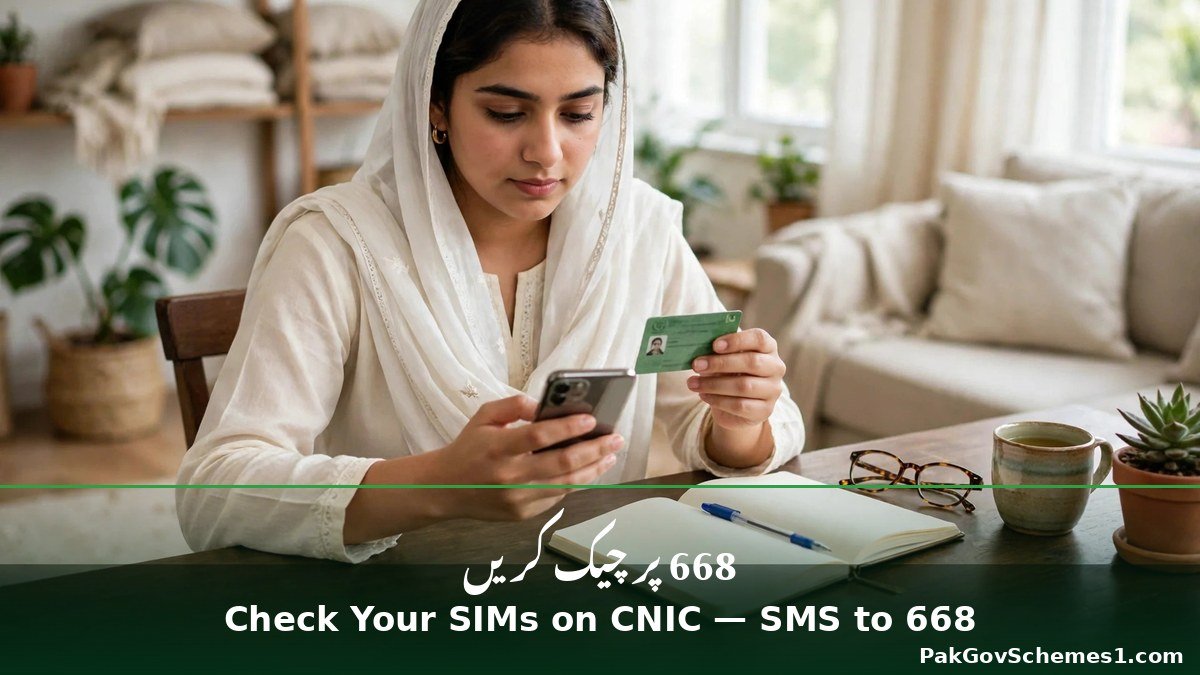
- Check your SIMs on your CNIC. Send your 13-digit CNIC, without dashes, by SMS to 668, or check cnic.sims.pk.
- If it is a tax block, fix the tax first. Check your filer status on FBR’s IRIS portal or by sending your CNIC to 9966.
- Visit your operator’s franchise or service centre. Take your original CNIC — photocopies are not accepted.
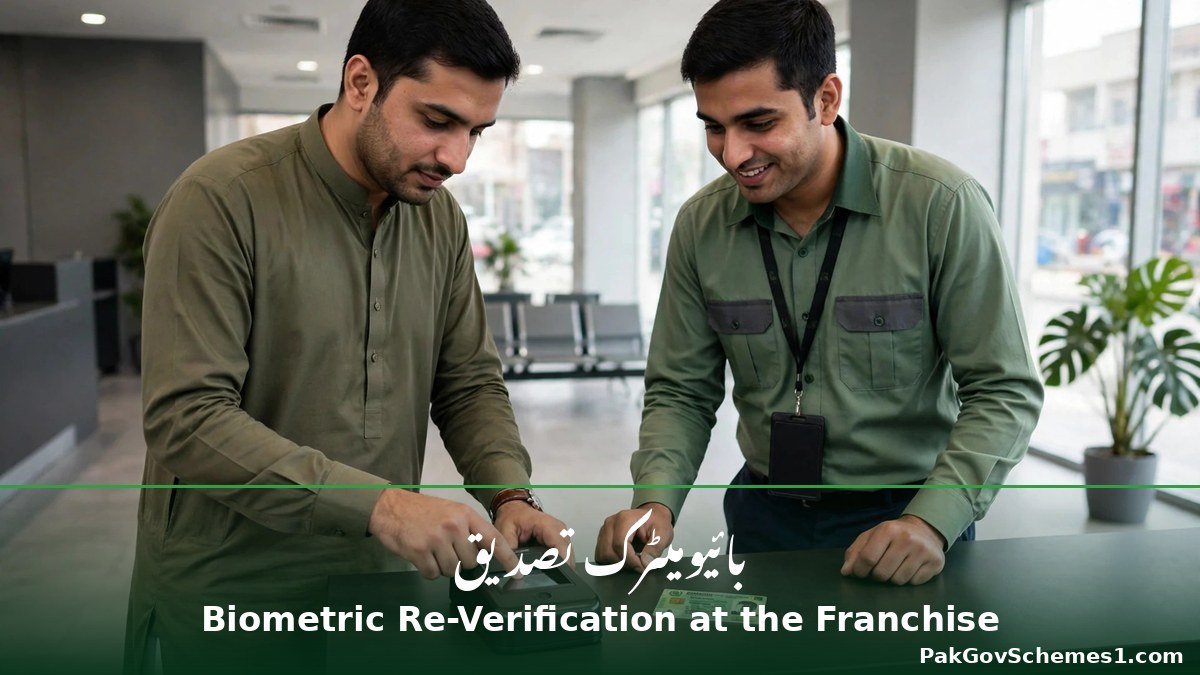
- Complete biometric verification. Place your thumb on the scanner so NADRA can match it to your CNIC. This fixes most blocks.
- Disown excess SIMs if you are over the limit. Tell staff which SIMs you do not use and disown them.
- If your fingerprint will not scan, go to NADRA. The franchise cannot override a failed scan. Ask about PTA’s alternate process if age or injury stops the scan.
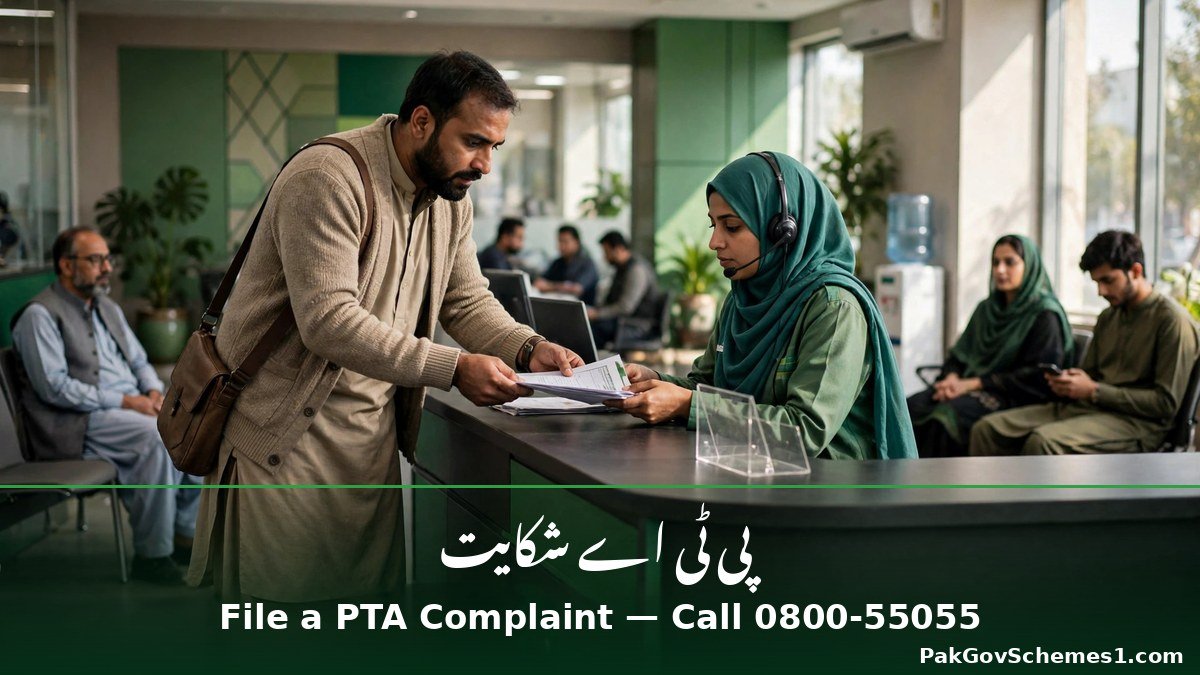
- File a PTA complaint if the franchise cannot help. Complain at complaint.pta.gov.pk, through the PTA CMS app, or on toll-free 0800-55055.
- If the SIM cannot be restored, get a fresh one. For fraud blocks, or SIMs on someone else’s CNIC, buy a new SIM in your own name.
CNIC Check and Status Check — SMS 668
The 668 service is PTA’s official SIM Information System. It tells you how many SIMs are registered on your CNIC.
By SMS: type your 13-digit CNIC with no dashes and send it to 668. The reply lists the total SIMs and which companies they belong to. PTA says charges may apply. Online: cnic.sims.pk shows the same count for free — enter your CNIC and the code shown, then tap Submit. Foreign nationals use the “Foreign ID” option.
What the reply does not show: 668 gives counts per operator, not the actual numbers. To see them, visit that operator’s franchise with your original CNIC. Never use a site claiming to show a stranger’s SIM owner details. Operator SMS codes (6001 Jazz, 7751 Telenor, “V” to 7911 Zong/Ufone) are reported, not confirmed.
Payment Details and Costs
Unblocking a SIM should not cost you a “PTA fee”. This table separates what is verified from what is only reported; the franchise price screen is always final.
| Detail | Verified Information |
|---|---|
| Biometric re-verification | Reported to be free of charge. No PTA fee is charged for unblocking. |
| SMS to 668 | Charges may apply (PTA). No current amount announced. |
| cnic.sims.pk check | Free (official PTA portal). |
| PTA complaint / 0800-55055 | Free. The helpline is toll-free. |
| Replacement SIM (same number) | Reported: Jazz Rs 550, Zong Rs 400. Ufone and Telenor not verified. |
| FBR block restoration | No PTA or operator charge. The cost is filing your tax return. |
| How long it takes | Not officially announced. Biometric re-verification is often same-day (reported). FBR restoration: up to 72 hours after ATL status. |
Required Documents
- Original, valid CNIC — the one the SIM is registered on. Photocopies and expired cards are not accepted.
- The blocked SIM itself, if you still have it.
- Your mobile number and operator’s name, plus any SMS or letter about the block.
- The franchise complaint reference, if you were given one.
- For a tax block: proof you filed your return and appear on the Active Taxpayers List.
- For a deceased holder’s number: the death certificate, Family Registration Certificate, and heir’s original CNIC.
- For a fingerprint that will not scan: ask about PTA’s alternate process before you travel.
Troubleshooting — When the Fix Does Not Work
- The franchise says the SIM is fine, but it still has no signal. Restart the phone, try the SIM in another handset, and check the IMEI.
- Biometric verification keeps failing. Try a different finger, clean and dry your hands. If it still fails, go to NADRA.
- Your CNIC has expired. Renew it at NADRA first — the most common reason a visit ends without a fix.
- The 668 reply shows SIMs you never bought. Note the operator, visit that franchise, and disown them.
- The franchise cannot disown a new SIM. PTA’s rule: a SIM cannot be disowned within 60 days of issue. File the PTA complaint anyway.
- The block is FBR-related and filing did not restore the SIM. Re-check your ATL status, then call PTA on 0800-55055.
- Your number was on someone else’s CNIC. If that person will not cooperate, get a fresh SIM in your own name.

Official Helpline and Complaint Procedure
If the franchise cannot fix your SIM, PTA is the next step — not an agent, not a Facebook page, and not a paid “PTA contact”. PTA runs a Consumer Management System for exactly this situation, and it is free.
PTA complaint channels: file online at complaint.pta.gov.pk, through the PTA CMS app, or call toll-free 0800-55055. Register with your CNIC, pick the right category, and attach evidence. Keep the complaint number.
Operator helplines (call from another number): Jazz 111, Zong 310, Ufone 333 — confirmed on the operators’ own help pages. Telenor 345 is widely reported but not confirmed on Telenor’s own site.
Other contacts: forward a fraudulent SMS to 9000. Check an IMEI by dialling *#06# and verifying it at imei.pta.gov.pk. For tax blocks, FBR’s helpline is 051-111-772-772.
PTA SIM Blocked 2026: Fake Claims Debunked
Blocked SIMs attract scammers, because a dead phone feels urgent.
- “Send an SMS to a code and your SIM unblocks.” False. No SMS code unblocks a SIM.
- “Pay an agent a PTA fee and they will unblock it.” False, and a scam. PTA charges no unblocking fee through agents.
- “The limit is 5 SIMs per network, so you can hold 25.” False. The cap is 8 SIMs per CNIC — 5 voice and 3 data-only.
- “PTA cut the limit to 6 SIMs in December 2025.” No PTA source supports this. PTA’s FAQ still states 8 SIMs.
- “A website can show who owns any mobile number.” False and illegal to attempt. Only the registered holder can check their own CNIC.
- “Your SIM was blocked because your phone is not PTA-approved.” Mixed up. An unregistered phone is blocked by DIRBS after 60 days.
- “A new 365-day rule means nobody can disown a SIM for a year.” Reported, not confirmed. It conflicts with PTA’s published 60-day rule.
Common Mistakes to Avoid
- Paying an agent to unblock your SIM. There is no paid shortcut — only biometric verification at a franchise.
- Letting a shopkeeper register a SIM on their own CNIC. The SIM is legally theirs.
- Sharing your CNIC photo, OTP, or fingerprint with strangers. Never give a thumbprint on paper.
- Confusing a SIM block with a device block. Check both: the SIM through your operator, the phone’s IMEI through DIRBS.
- Ignoring unknown SIMs on your CNIC. A SIM in your name can be used for fraud.
- Visiting a small retailer instead of a franchise. Only authorised franchises can run biometric re-verification.
- Leaving without proof. Always get the franchise complaint reference or the PTA complaint number.

Frequently Asked Questions
Why is my PTA SIM blocked? Common reasons are incomplete biometric verification, holding more than the 8-SIM limit, a complaint by the registered holder, fraud or spam reports, an FBR non-filer block, or the holder’s death. Call your operator’s helpline and ask for the exact reason.
How do I unblock a PTA SIM blocked number? Visit your operator’s franchise with your original CNIC and complete biometric verification. Disown excess SIMs first if you are over the limit. If the franchise cannot lift the block, file a complaint with PTA at complaint.pta.gov.pk or on 0800-55055.
Can I unblock my SIM online or by SMS? No. There is no website or SMS code that unblocks a SIM, because unblocking needs a fingerprint at a franchise. The 668 SMS and cnic.sims.pk only show how many SIMs are on your CNIC. Anyone offering an online unblock for a fee is running a scam.

How many SIMs can I have on one CNIC? PTA allows 8 SIMs per CNIC for personal use: 5 voice SIMs and 3 data-only SIMs, counted across all operators combined. A sixth voice SIM cannot be issued until you disown one of the five you already hold at a franchise.
How do I check how many SIMs are on my CNIC? Send your 13-digit CNIC number, without dashes, by SMS to 668, or enter it at cnic.sims.pk. The reply shows the number of SIMs per operator, not the phone numbers. To see the actual numbers, visit the operator’s franchise with your original CNIC.
How long does unblocking take? No official timeline has been published. Biometric re-verification at a franchise is often completed the same day. FBR restoration is reported to take up to 72 hours after you appear on the Active Taxpayers List.
My SIM was blocked for fraud. Can I get it back? Generally no. SIMs blocked for proven fraud, spam, or criminal misuse are not restored, and trying to recover one through an “agent” is a scam. Get a fresh SIM in your own name and update your bank and BISP records.
What if the SIM is registered on someone else’s CNIC? Only the registered holder can unblock it, with their own CNIC and fingerprint. If they will not cooperate, you have no claim to the number. Buy a new SIM in your own name instead.
Is there a fee to unblock a SIM? Biometric re-verification is reported to be free, PTA complaints are free, and the 0800-55055 helpline is toll-free. A replacement SIM is reported to cost Rs 550 on Jazz and Rs 400 on Zong. Never pay a “PTA fee” by mobile wallet.
What should I do if I find a SIM on my CNIC that is not mine? Go to that operator’s franchise with your original CNIC, verify your fingerprints, and ask to disown the SIM. Re-check with 668 after a few days. If the franchise does not act, complain to PTA on 0800-55055.
Important Safety Notice
Use only the official channels in this guide: your operator’s franchise, the 668 check, cnic.sims.pk, complaint.pta.gov.pk, and the PTA helpline 0800-55055. Never share your CNIC photo, OTP, password, or fingerprint with unknown people, and never pay anyone who promises to unblock a SIM for a fee. PakGovSchemes1.com is an independent informational website and is not affiliated with PTA, NADRA, FBR, or any mobile operator.

Conclusion
PTA SIM Blocked 2026 is fixable in most cases: check your SIMs with 668, call your operator’s helpline to confirm the reason, then visit the franchise with your original CNIC for biometric re-verification. Tax blocks need a filed return first, fraud blocks are generally permanent, and no agent can unblock a SIM for a fee. Keep your SIMs in your own name and audit your CNIC every few months. If the franchise cannot help, use PTA’s free complaint channels — never pay an agent.
Official Sources
- PTA — SIM(s) Information FAQ, pta.gov.pk (as read 3 Nov 2026)
- PTA advisory, 1 January 2026: responsible SIM registration and usage
- PTA SIM Information System — cnic.sims.pk
- PTA Complaint Management System — complaint.pta.gov.pk; 0800-55055
- PTA DIRBS — dirbs.pta.gov.pk; IMEI check at imei.pta.gov.pk
- FBR Income Tax General Order 01 of 2024 (reported 7 June 2024)
- UrduPoint — “How to Check How Many SIMs Are on Your CNIC”, verified 3 November 2026
- Jazz, Zong and Ufone help pages (read October 2026)
Disclaimer: PakGovSchemes1.com is an independent informational website and is not affiliated with any government department. Information is compiled from available official announcements and other identified sources and may change. Please verify eligibility, registration status, payment details, and deadlines through the relevant official government website before taking action.

