How to Register a SIM in Your Own Name 2026 – Biometric Process
Every SIM in Pakistan is legally tied to a CNIC through biometric verification — no exceptions, no shortcuts. If the SIM in your phone is registered in your husband’s name, your father’s name, or a shopkeeper’s name, every call and message on it is legally theirs. Learning to register SIM in own name is one of those small bureaucratic tasks that quietly protects you from enormous trouble.
Why the Name on the SIM Matters More Than You Think
In Pakistan, the registered owner of a SIM is legally responsible for everything done with it. A SIM in someone else’s name means you have no legal standing over that number — the registered owner can block it, transfer it, or report it stolen, and you can’t stop them.
The Only Legal Way to Register (Walkthrough)
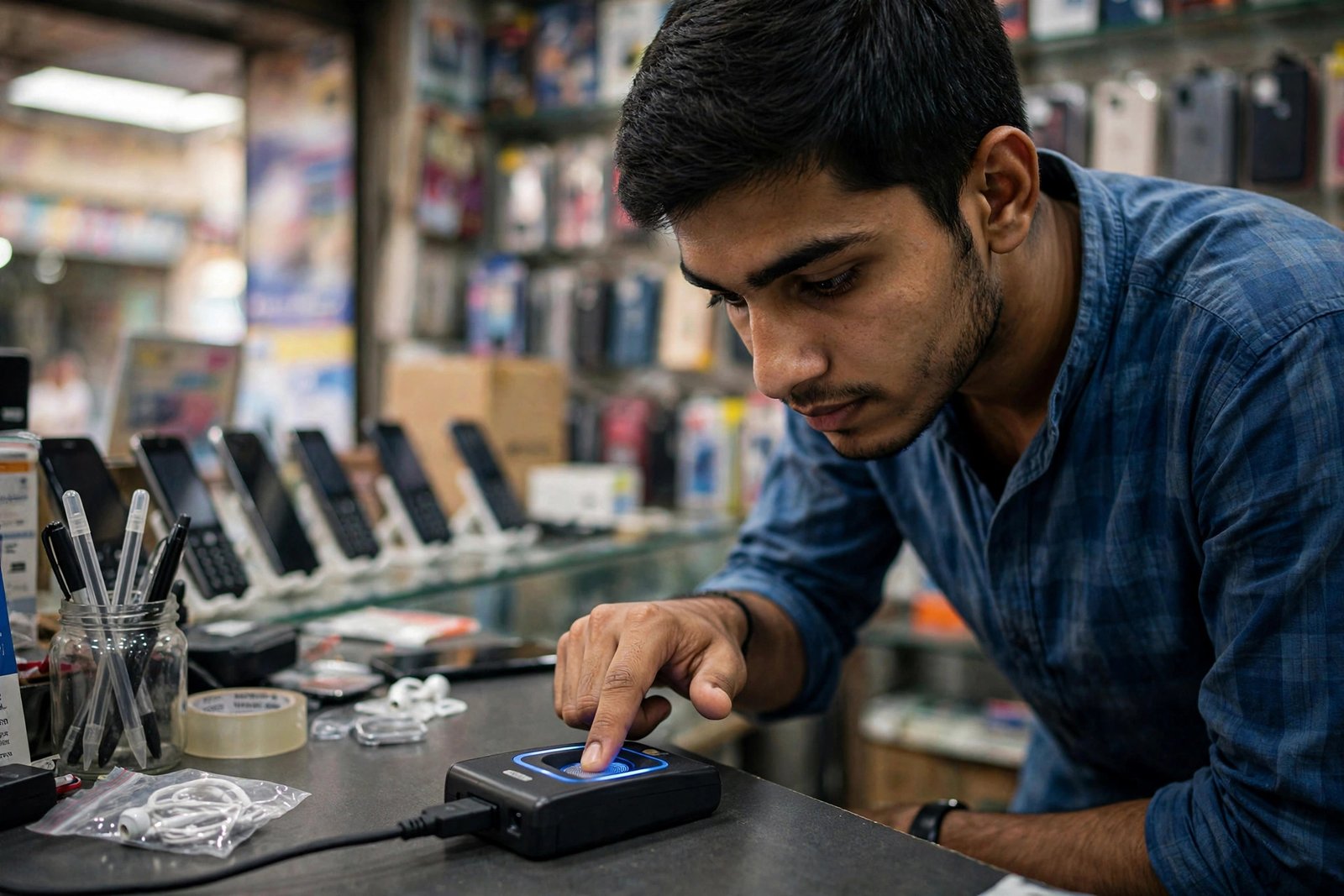
- Go to an authorized outlet. Only visit an MBVS-enabled sale outlet — a Customer Service Center, an official franchise, or a registered retailer with a biometric verification device.
- Bring your original CNIC. Not a photocopy, not a photo on your phone — the original computerized national identity card.
- Give your fingerprints. Place your thumb or finger on the biometric scanner; the system typically requires up to two successful impressions.
- Read the terms. The outlet must show you the Terms and Conditions for SIM purchase.
- Collect your SIM. If verification succeeds, the SIM is activated and handed to you on the spot.
Where You Can (and Can’t) Register a SIM
| Outlet type | Can register a SIM? | What it offers |
|---|---|---|
| Operator Customer Service Centre (CSC) | Yes | Full service: registration, disowning, ownership transfer, complaints |
| Operator franchise | Yes | Registration and most ownership services |
| Registered retailer (with biometric device) | Yes | Registration only |
| Ordinary mobile shop (no biometric device) | No | Scratch cards and accessories only |
The Fingerprint Trap
Fraudsters have a trick: they get your fingerprints on different machines, or even on plain paper, while pretending to be government officials. PTA’s own guidance is explicit: give your fingerprints only on a proper biometric machine, at a trusted outlet, and never on paper to anyone, ever.

The 668 Habit: Audit Your SIMs Twice a Year
Twice a year, send your 13-digit CNIC number (no dashes) to 668. PTA replies within a minute with the count of SIMs registered on your CNIC, broken down by operator. It costs about Rs. 2 plus tax. If the count is higher than the SIMs you physically own, someone has registered SIMs in your name — visit the operator’s franchise with your original CNIC and get the unknown SIMs blocked.

Register SIM in Own Name: Quick Answers
How do I register SIM in own name in Pakistan? Visit an authorized MBVS-enabled outlet with your original CNIC. To register SIM in own name, you place your thumb on the biometric scanner for NADRA verification, and the activated SIM is handed to you on the spot.
Can I register SIM in own name online or by SMS? No. There is no legal way to register SIM in own name online, through an app, or by SMS — biometric verification must happen in person on a PTA-approved device.
What documents do I need to register SIM in own name? Only your original CNIC. To register SIM in own name you don’t need photographs, forms, or photocopies — just the original card and your thumbs.
Related Guides
- 8171 Web Portal 2026 – Check BISP Payment by CNIC
- BISP 8171 Complete Guide 2026 – Payments & Eligibility
- Asaan Karobar Finance Scheme 2026 – 0% SME Loans
Disclaimer: PTA rules and outlet procedures can change. Confirm current requirements with your mobile operator’s helpline or pta.gov.pk, and never share your CNIC or fingerprints with unauthorized persons.