
Sindh Domicile Certificate 2026 is the official proof that you permanently belong to a district in Sindh. You need it for Sindh government jobs, university admissions, scholarships and many other official purposes. In Sindh, the domicile is usually issued together with a PRC, the Permanent Residence Certificate, and both can now be applied for online through the official Sindh Domicile and PRC Portal at sindhdomicileportal.gos.pk. This guide explains who can apply, which documents you need, the exact online steps, the fee, the processing time and how to track your application, using only information verified from the official portal and other reliable sources.
Quick Overview: Sindh Domicile Certificate (PRC) 2026
| Information | Details |
|---|---|
| Certificate name | Sindh Domicile Certificate and PRC (Permanent Residence Certificate) |
| Issued by | Deputy Commissioner of your district, through the Office of the Commissioner, Sindh |
| Official portal | sindhdomicileportal.gos.pk |
| Mobile app | “Sindh Domicile” Android app (last updated 10 June 2026) |
| Services on the portal | Domicile Certificate, PRC-C and PRC-D |
| Processing time | Domicile: 7–14 working days; PRC-C and PRC-D: 3–7 working days |
| Fee | “As per Govt. Notification” — the amount is shown only at the payment step |
| Payment methods | Card, digital wallet, or PSID payable at a bank; courier delivery optional at extra cost |
| Online coverage | Karachi East and Karachi Central only, as reported; other districts apply at the DC office |
| Certificate format | Digitally signed certificate with a QR code, downloadable from the portal |
| Last updated | 14 November 2026 |
Latest Update: Sindh Domicile and PRC Portal 2026
The Sindh Domicile and PRC Portal is live and accepting applications. It is an initiative of the Office of the Commissioner, Sindh, and describes itself as a fully digital system: you register with your CNIC and mobile number, fill in a form that pulls your details from NADRA, upload your documents, pay online, and download a digitally signed certificate with a QR code after the Deputy Commissioner approves it. The portal also offers real-time tracking, so you can follow your application without visiting an office.
The portal lists three services with their processing times: a domicile certificate takes 7–14 working days, while PRC-C and PRC-D each take 3–7 working days. The companion “Sindh Domicile” Android app was last updated on 10 June 2026, which shows the system is being maintained, but no new fee, document or deadline announcement has been published on the portal as of 14 November 2026.
One important limit remains. The portal is reported to accept online applications only from Karachi East and Karachi Central for now, and it warns that fees paid from other districts are non-refundable. If you live in any other Sindh district, do not pay online first — apply at your district Deputy Commissioner office instead. We could not confirm the district list directly on the portal homepage during this check, so treat the two-district limit as reported information and confirm it on the portal before paying.
There is no officially announced last date for domicile or PRC applications. These are standing services, not a scheme with a closing date, so beware of any social media post claiming a deadline.
Eligibility Criteria for Sindh Domicile and PRC
You can apply for a Sindh domicile certificate if you are a Pakistani citizen who permanently lives in a district of Sindh. The certificate records the district you belong to, and that district decides which provincial quota you fall under for jobs and admissions. A candidate with a Punjab domicile cannot claim a Sindh quota seat, and the same rule works in reverse.
The portal itself does not publish a detailed eligibility list on its homepage. The requirements below are the ones the process actually enforces, based on the portal’s own document list and the DC office procedure:
- Permanent residence in Sindh: your permanent address must be in the Sindh district you are applying for. You cannot apply for a Sindh domicile from an address in another province.
- Valid CNIC: adults apply with their own CNIC. Applicants under 18 apply with a B-Form, and the portal’s upload screens also ask for the father’s or guardian’s CNIC.
- Proof of residence: you must be able to show that you live at the address you claim, usually with a utility bill and a residency certificate.
- Academic record: an academic document is part of the portal’s document list, because schooling in the district helps prove long residence.
- Correct NADRA record: the portal pulls your details from NADRA, so your name, father’s name and address in the NADRA record must match your application.
Some online guides mention a requirement of living in Sindh for at least three years. That figure could not be verified from the official portal, so treat it as reported, not official, and ask your DC office if your residence history is short. Students, job seekers and parents applying for a child can all use the same process; there is no separate student or job-seeker form.
Domicile vs PRC: Which Certificate Do You Need?
Many applicants confuse the two documents, and applying for the wrong one wastes both time and the fee. A domicile certificate proves which district and province you permanently belong to. A PRC, the Permanent Residence Certificate, confirms your permanent address and family record in Sindh. In practice the two are issued together in Sindh, and job advertisements often ask for both.
The portal offers two PRC types. PRC-C is described by the portal as confirming permanent address and family record for legal documentation, and it is the form commonly used for education and admissions. PRC-D is described as confirming permanent address and family record for district verification, and it is the form used for government jobs — Form D is the jobs form. The portal does not explain the difference in any more detail, so if an advertisement or admission notice names a specific form, apply for exactly that one. If it only says “PRC”, check with the organisation before you pay.
This is a different system from Punjab. Punjab runs its own domicile portal and does not issue a PRC at all, so a Punjab domicile guide will not help you here. Our separate guide to the Punjab domicile certificate explains that province’s process if you belong there instead.

How to Apply for Sindh Domicile Certificate Online: Step by Step
Apply only on the official portal, sindhdomicileportal.gos.pk, or through the official “Sindh Domicile” Android app. The portal sets out four stages — register, apply online, pay the fee, and receive your digitally verified certificate — and in practice the process has five steps.
- Open the official portal. Go to sindhdomicileportal.gos.pk in your browser and choose Register. Do not use any other website that claims to issue Sindh domiciles.
- Create your account. Register with your CNIC number and your own mobile number, then enter the OTP sent to that number. Keep the mobile number active, because all updates about your application come to it.
- Fill in the form. Choose the service you need — Domicile Certificate, PRC-C or PRC-D. Your basic details are filled in automatically from NADRA. Check every field carefully, especially your name, father’s name and permanent address, before you continue.
- Upload your documents and pay the fee. Upload clear scans or photos of each required document (the full list is in the next section). The official fee appears at this payment step. Pay by card or digital wallet, or generate a PSID and pay it at a bank. Courier delivery of a printed copy is optional and costs extra.
- Wait for verification and download your certificate. Your application is verified and then approved by the Deputy Commissioner of your district. Once approved, you can download your digitally signed certificate with its QR code from the portal. Save a copy and keep the printed version safe.

Applying in Person at the Deputy Commissioner Office
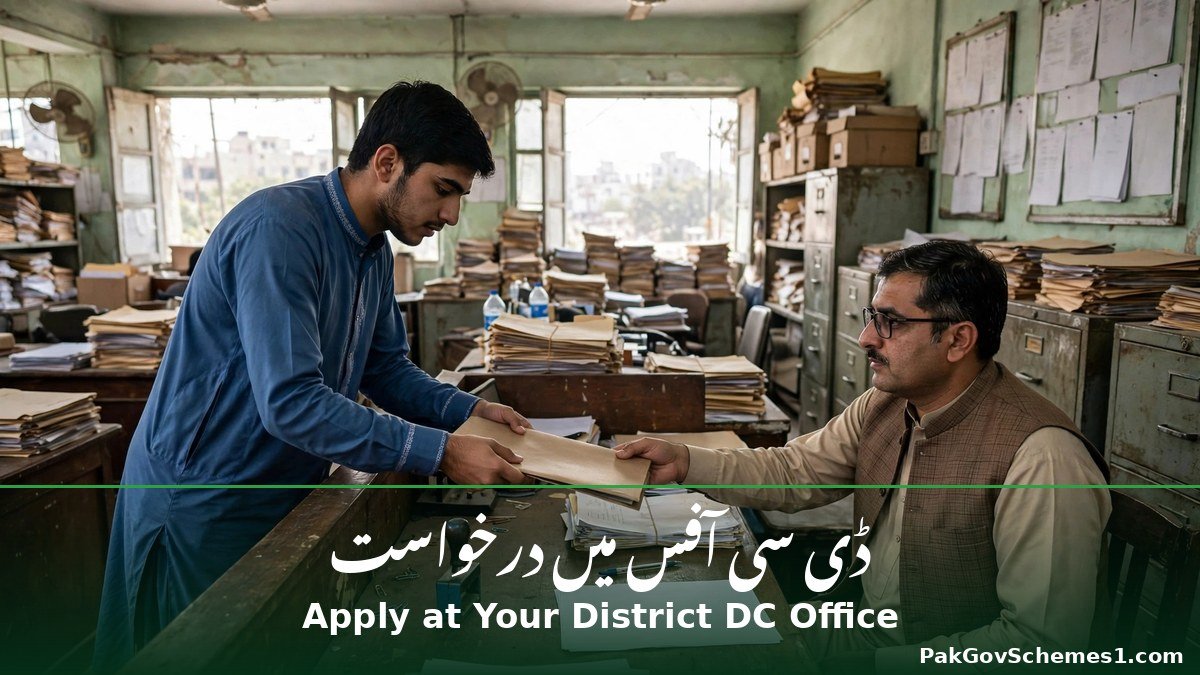
If your district is not covered by the online portal, or you prefer the paper route, apply at the Deputy Commissioner office of your district. The long-standing practice is to pay a challan at the National Bank of Pakistan branch at the DC office, submit the domicile application form with attested copies of your documents, have your photo and thumbprint taken at the counter, and collect the certificate from the office. The DC South Karachi page quoted total charges of Rs 600 for domicile and PRC together with three working days for the in-person route, as read on 17 September 2026 — treat that as a Karachi South figure from that date, not a Sindh-wide fee. Older practice elsewhere is a Rs 200 challan at National Bank, but that figure is reported and unverified, so confirm the current amount at the branch before you pay.
How to Track Your Sindh Domicile Application
The portal promises real-time tracking. Log in to your account on sindhdomicileportal.gos.pk and open the tracking section to see the current stage of your application — submitted, under verification, approved, or ready to download. The portal itself does not publish a list of status messages, so if a stage is unclear, use the helpline below rather than guessing what it means.
If you applied in person, there is no online tracking for that application. Follow up with the DC office that issued your receipt, and keep the receipt and challan copy safe until the certificate is in your hands. Applications older than the stated processing time should be followed up, not re-submitted — a second application for the same certificate can create a duplicate record and delay both.


Fee and Processing Time: Sindh Domicile and PRC
| Service | Processing time | Fee |
|---|---|---|
| Domicile Certificate (online) | 7–14 working days | As per Govt. Notification — shown only at the payment step |
| PRC-C (online) | 3–7 working days | As per Govt. Notification — shown only at the payment step |
| PRC-D (online) | 3–7 working days | As per Govt. Notification — shown only at the payment step |
| Courier delivery of printed copy | Extra delivery time | Optional, at extra cost (amount not published) |
| Domicile + PRC together, in person, Karachi South (read 17 Sep 2026) | 3 working days | Rs 600 total — Karachi South figure only |
| Challan at National Bank, in-person route (older practice) | Varies by district, commonly around two weeks in Karachi | Rs 200 reported — unconfirmed, verify at the branch |
Do not trust any fixed fee figure quoted on social media or by an agent. The portal deliberately shows the fee only at payment, and the in-person fee differs by district. If anyone asks you to pay a different amount through a personal account or a mobile wallet number, stop — that is not the official process.
Documents Required for Sindh Domicile and PRC
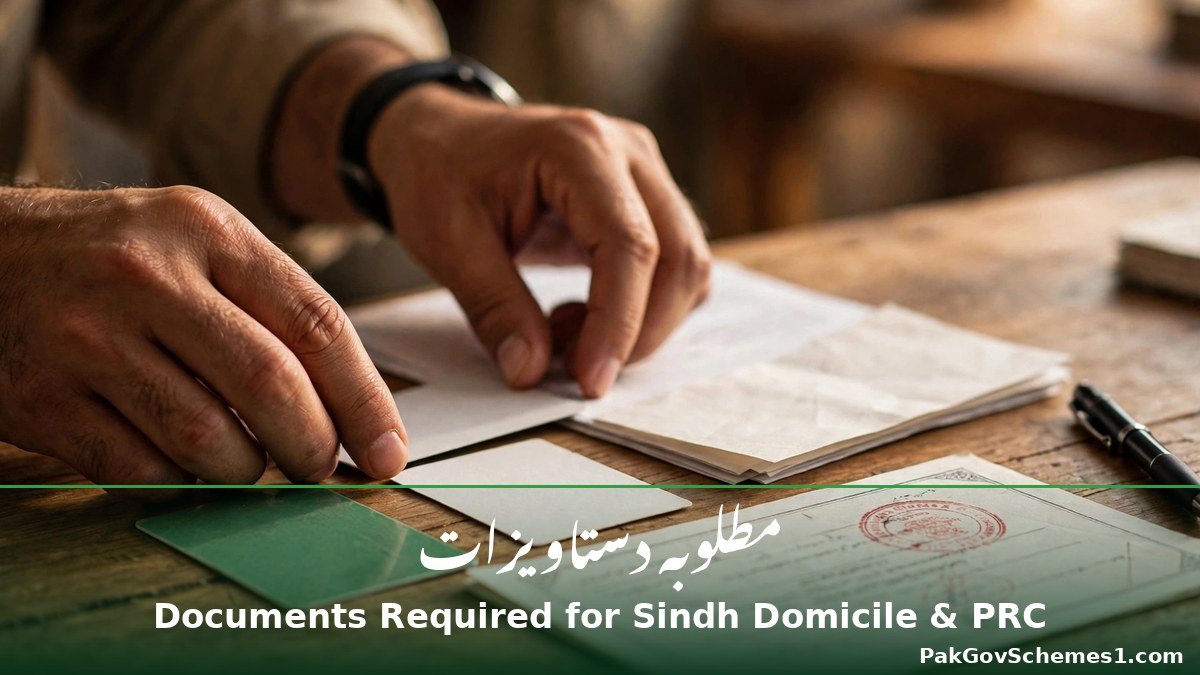
Prepare all six documents before you start, because an incomplete upload sends your application back. The portal lists these six uploads for domicile, PRC-C and PRC-D alike:
- Your CNIC — front and back. Applicants under 18 use a B-Form instead; see our guide to the NADRA B-Form for children.
- Father’s or guardian’s CNIC — front and back.
- Passport-size photograph — recent, clear, plain background. For the in-person route, guides report four to five photos, sometimes on a blue background; the portal itself only asks for a passport-size photo.
- Utility bill — for your Sindh address, to prove residence.
- Residency certificate — proof that you live in the district.
- Academic document — a certificate or result card showing your schooling in the district.
The portal’s upload screens also name an affidavit, a Family Registration Certificate and the applicant’s domicile, so keep those ready if the form asks for them. The NADRA Family Registration Certificate (FRC) is a separate NADRA document — get it from NADRA first if your application needs one, and do not confuse it with the PRC itself.
Common Problems and How to Fix Them
- OTP not received: check that the mobile number is yours, registered in your name and has signal. Wait a few minutes and request the code again. If it still does not arrive, try a different browser or the app, and contact the helpline.
- NADRA record mismatch: the portal pulls your details from NADRA, so a different spelling of your name or your father’s name, or a different address, will stop the application. Correct the record at NADRA first — the portal cannot fix NADRA data. Our guide to NADRA CNIC correction explains that process.
- Blurry or incomplete uploads: scan or photograph documents in good light, with all four corners visible and nothing cut off. Blurry uploads are the most common reason applications are sent back.
- Wrong district selected: the online portal is reported to accept only Karachi East and Karachi Central. If you apply and pay from another district, the fee is reported to be non-refundable. Check your district before payment, and use the DC office route if your district is not covered.
- Payment failed but money deducted: do not pay a second time immediately. Keep the transaction receipt or PSID, wait for the payment to settle, and check your application status before trying again.
- Application delayed beyond the stated time: first check the tracking page. If the status has not changed for several working days past the stated time, contact the helpline or visit the DC office with your application number.
- Certificate downloaded but QR code does not verify: download the certificate again from the portal rather than using a screenshot or a photocopy. If the problem continues, report it to the helpline with your application number.
Official Helpline and Complaint Procedure
The portal publishes the following contact details, verified from its homepage on 14 November 2026:
- Helpline: (92) 3367124777
- Email: info@sindhdomicileportal.gos.pk
- Hours: Monday to Friday, 9:00 AM to 5:00 PM
Use the helpline for a stuck application, a payment problem, or a status you do not understand. Keep your application number and CNIC ready before you call, and never share your OTP or portal password with anyone who calls you — the helpline will not ask for them. For in-person complaints, visit the Deputy Commissioner office of your district with your receipt. You can also raise a general government-service complaint through the Pakistan Citizen Portal; our guide to the Pakistan Citizen Portal app explains how that works.

Common Mistakes to Avoid
- Paying an agent for a “guaranteed” domicile: no agent can approve a certificate. Only the Deputy Commissioner approves it, and paying an agent adds cost and risk without speeding anything up.
- Using a fake or lookalike website: the only official address is sindhdomicileportal.gos.pk. Any other site offering an “instant domicile” or asking for payment to a personal account is a scam. See our guide on spotting fake NADRA and government websites.
- Paying online from an uncovered district: check whether your district is accepted before you pay, because fees from other districts are reported to be non-refundable.
- Applying for the wrong PRC type: PRC-C is for education and legal documentation, PRC-D is for government jobs. Read the advertisement or admission notice before choosing.
- Uploading blurry or cropped documents: a photo with cut-off edges or glare will be rejected and will cost you days.
- Sharing your CNIC photo or OTP: never send your CNIC image, OTP or portal password to anyone on WhatsApp or Facebook, and never post them in website comments.
- Trusting a fee figure from social media: the portal shows the fee only at payment, and district fees differ. Confirm the amount on the portal or at the DC office, not from a video or a post.
Frequently Asked Questions: Sindh Domicile Certificate 2026
1. What is the difference between a domicile certificate and a PRC in Sindh?
A domicile certificate proves which district and province you permanently belong to. A PRC, the Permanent Residence Certificate, confirms your permanent address and family record in Sindh. In Sindh the two are usually issued together, and job advertisements often ask for both documents.
2. Can I apply for a Sindh domicile certificate online from any district?
Not yet. The portal is reported to accept online applications only from Karachi East and Karachi Central, and fees paid from other districts are reported to be non-refundable. If you live elsewhere in Sindh, apply at your district Deputy Commissioner office instead.
3. What is the fee for a Sindh domicile certificate in 2026?
The portal lists the fee as “As per Govt. Notification” and shows the amount only at the payment step, so no Sindh-wide rupee figure is officially published. Karachi South quoted Rs 600 for domicile and PRC together in person on 17 September 2026.
4. How long does a Sindh domicile certificate take?
The official portal says a domicile certificate takes 7–14 working days, while PRC-C and PRC-D each take 3–7 working days. The in-person route varies by district and commonly takes around two weeks in Karachi, so apply well before any job or admission deadline.
5. Which PRC should I apply for — PRC-C or PRC-D?
PRC-C is for education and legal documentation, while PRC-D is for district verification and government jobs — Form D is the jobs form. Read the job advertisement or admission notice carefully before you apply, because it usually names the exact form required.
6. Can I apply for a Sindh domicile without a CNIC?
Adults need a valid CNIC, because the portal pulls your details from NADRA. Applicants under 18 apply with a B-Form, and the portal also asks for the father’s or guardian’s CNIC. If your CNIC is expired or lost, renew or replace it first.
7. How do I track my Sindh domicile application?
Log in to your account on sindhdomicileportal.gos.pk and open the tracking section to see your application’s current stage. If you applied in person at a DC office, there is no online tracking — follow up with that office using your receipt.
8. What should I do if my NADRA record does not match my application?
Correct the record at NADRA first, because the portal fills your form from NADRA data and cannot fix it. A different spelling of your name or father’s name, or a different address, will stop the application until the NADRA record is updated.
9. Is the online Sindh domicile certificate valid for jobs and admissions?
Yes. Once approved by the Deputy Commissioner, you download a digitally signed certificate with a QR code, which departments can verify. Download it directly from the portal rather than using a screenshot or photocopy, so the QR code stays readable.

10. Are websites offering an “instant domicile” for a fee genuine?
No. The only official address is sindhdomicileportal.gos.pk, and no agent or website can issue a certificate instantly or guarantee approval. Any site asking for payment to a personal account, or promising same-day domicile, is a scam — report it and apply only through the official portal.

Important Safety Notice
Apply only through the official Sindh Domicile and PRC Portal at sindhdomicileportal.gos.pk or at your district Deputy Commissioner office. Never share your CNIC photo, OTP, password or payment details with unknown individuals, agents or social media pages. Beware of fake websites, “instant domicile” offers and agents who promise guaranteed approval for a fee. PakGovSchemes1.com is an independent informational website and is not affiliated with any government department.
Conclusion
Sindh Domicile Certificate 2026 is now easier to obtain than the old paper-only process, at least for applicants in Karachi East and Karachi Central, who can apply online, pay by card, wallet or PSID, and download a digitally signed certificate with a QR code. Remember the key facts: domicile takes 7–14 working days, PRC-C and PRC-D take 3–7 working days, the fee appears only at payment, and PRC-D is the form for government jobs. Check your district coverage before paying, prepare all six documents, and verify every detail on the official portal before you apply.
Official Sources
- Sindh Domicile and PRC Portal — sindhdomicileportal.gos.pk — official portal; verifies the three services, processing times, six documents, the four-step process, the “As per Govt. Notification” fee, the helpline (92) 3367124777, the email and office hours. Checked 14 November 2026.
- Commissioner Karachi, District South service page — quoted Rs 600 total for domicile and PRC together, three working days, in person; read 17 September 2026. Karachi South figure only, not Sindh-wide.
- UrduPoint, “How to get a Sindh domicile certificate online” — urdupoint.com — last verified 6 November 2026; confirms the portal process, documents and fee shown at payment.
- Pakera, “Sindh PRC Certificate: Apply Online, Documents and Fee” — pakera.pk — confirms PRC-C and PRC-D, the six documents, the five-step process and the 10 June 2026 app update.
- JanoPK, “Domicile Certificate Fee, Documents and Online Apply” — janopk.com — updated 8 November 2026; reports the Karachi East and Central online limit and the non-refundable fee warning.
- TipBlogHub, “Sindh Domicile Certificate (PRC) 2026” — tipbloghub.com — updated 27 October 2026; reports the Rs 200 National Bank challan practice and the Re 1 stamp as older practice.
Disclaimer: PakGovSchemes1.com is an independent informational website and is not affiliated with any government department. Information is compiled from available official announcements and other identified sources and may change. Please verify eligibility, registration status, payment details, and deadlines through the relevant official government website before taking action.

